The Memo Check option at A/P / Pay Bills is often used to clear offsetting negative and positive A/P Bills or to settle Bills between Inter-Company enterprises. The posting that occurs is identical to the Pay Bills function. Since it does not represent a real check, a different General Ledger Account such as a clearing or a miscellaneous account may be used for the credit instead of the checking General Ledger Account.
Memo Checks can also be used to record payments that were paid by EFT. In this situation, the Memo Check would post to the checking account used for the electronic transfer.
- At A/P / Pay Bills, select the Vendor and choose the Memo Checks option.
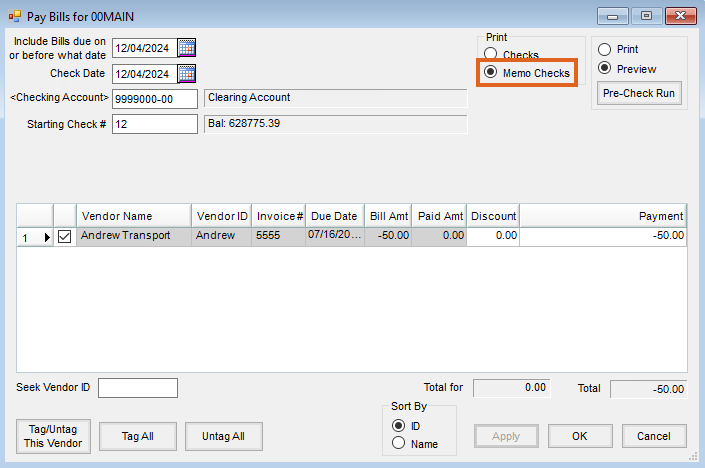
- Indicate the appropriate General Ledger Account to credit by double-clicking the Checking Account field.
- In the grid, check the Vendor Invoices that make up the credit balance. Verify the Total at the bottom right of the screen is a negative dollar amount in the same amount as the check received.
- Choose OK to record the check. The Memo Check prints to the default printer.
- On the window that displays, post the check to the applicable fiscal month.


