When adding a new Customer to Agvance SKY Mapping, the Customer must first reside in the Agvance Hub with an address. If the Customer being added to Agvance SKY Mapping does not exist in the Hub, they must be added there so they can be chosen from the populated Customer list in Agvance SKY Mapping.
- Select + Add Customer at the bottom of the Customer list.
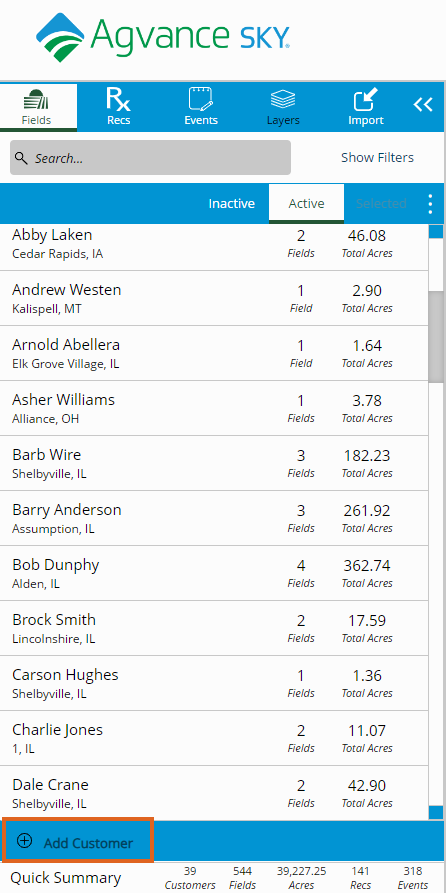
- Choose Add Location. Select the Location where the Customer to be added is located.
- Select Customer Name. Begin searching, then choose the Customer to be added from the drop-down. This list populates from the Customers in the Hub.
Note: The Customer's address automatically populates. Optionally select + Add Address if applicable. - Choose Save. The new Customer populates in the Customer list.
